Template
How to Ask for Reviews After Every Job (and Stay Within the Rules)
How to get reviews as a contractor: ask at the walkthrough, send your Google review link the same day, and follow Google's and the FTC's rules.
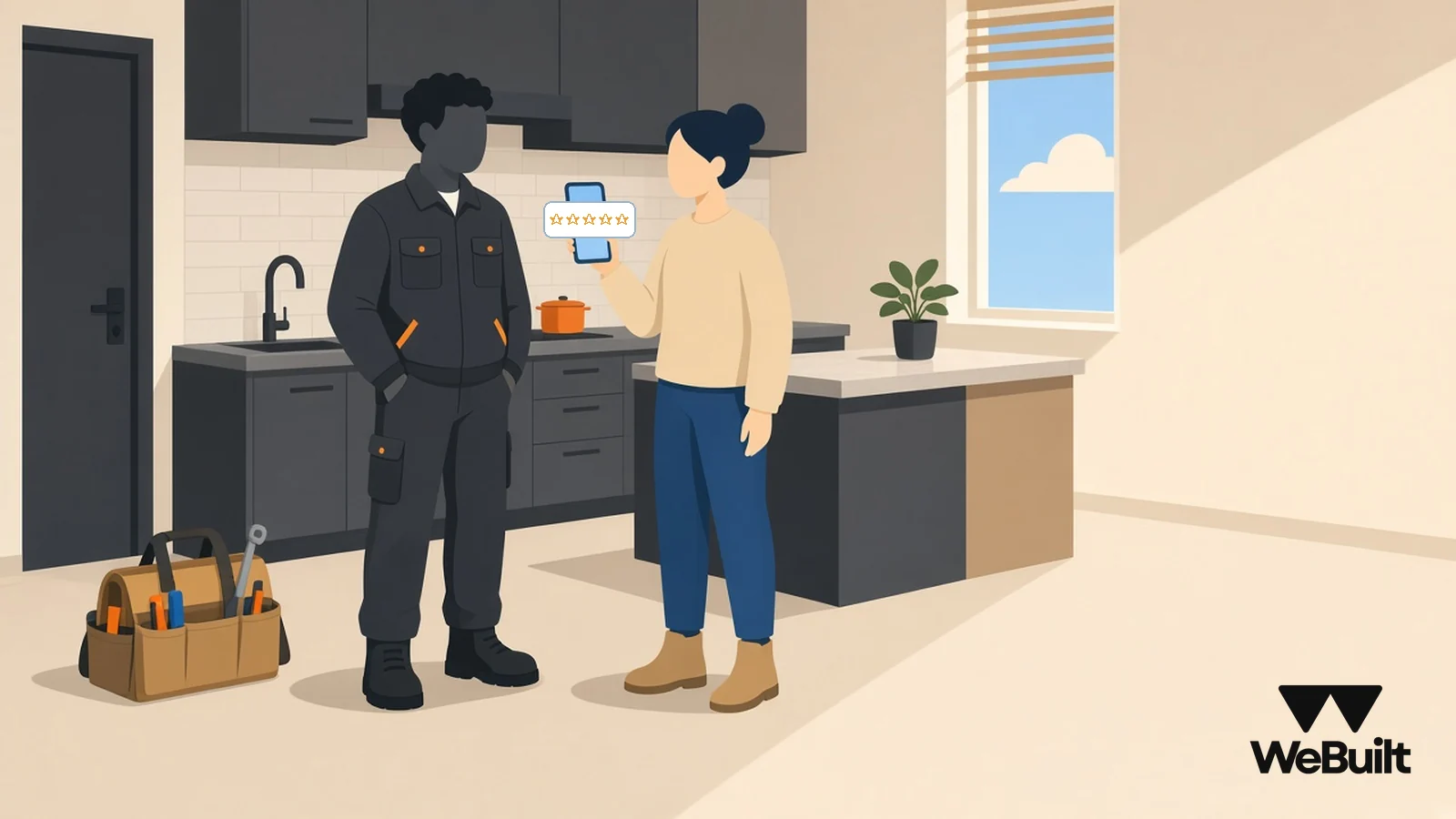
You did good work. The homeowner told you so at the walkthrough. Then they went back to their life, and the review never happened.
That's normal. Happy customers don't think about reviews. You have to ask, at the right moment, and make it take less than a minute. Here's a simple habit you can use on every job, and the rules that keep it honest.
General information, not legal advice.
When to ask: at the final walkthrough
Ask when the customer is happiest, which is usually the moment they see the finished work. For most jobs that's the final walkthrough, after the punch list is done.
Then send the link the same day, while the job is still fresh. A request a month later competes with everything else in their inbox.
Don't ask in the middle of a problem. If the walkthrough turns up a punch list item, fix it first, then ask.
A two-line script
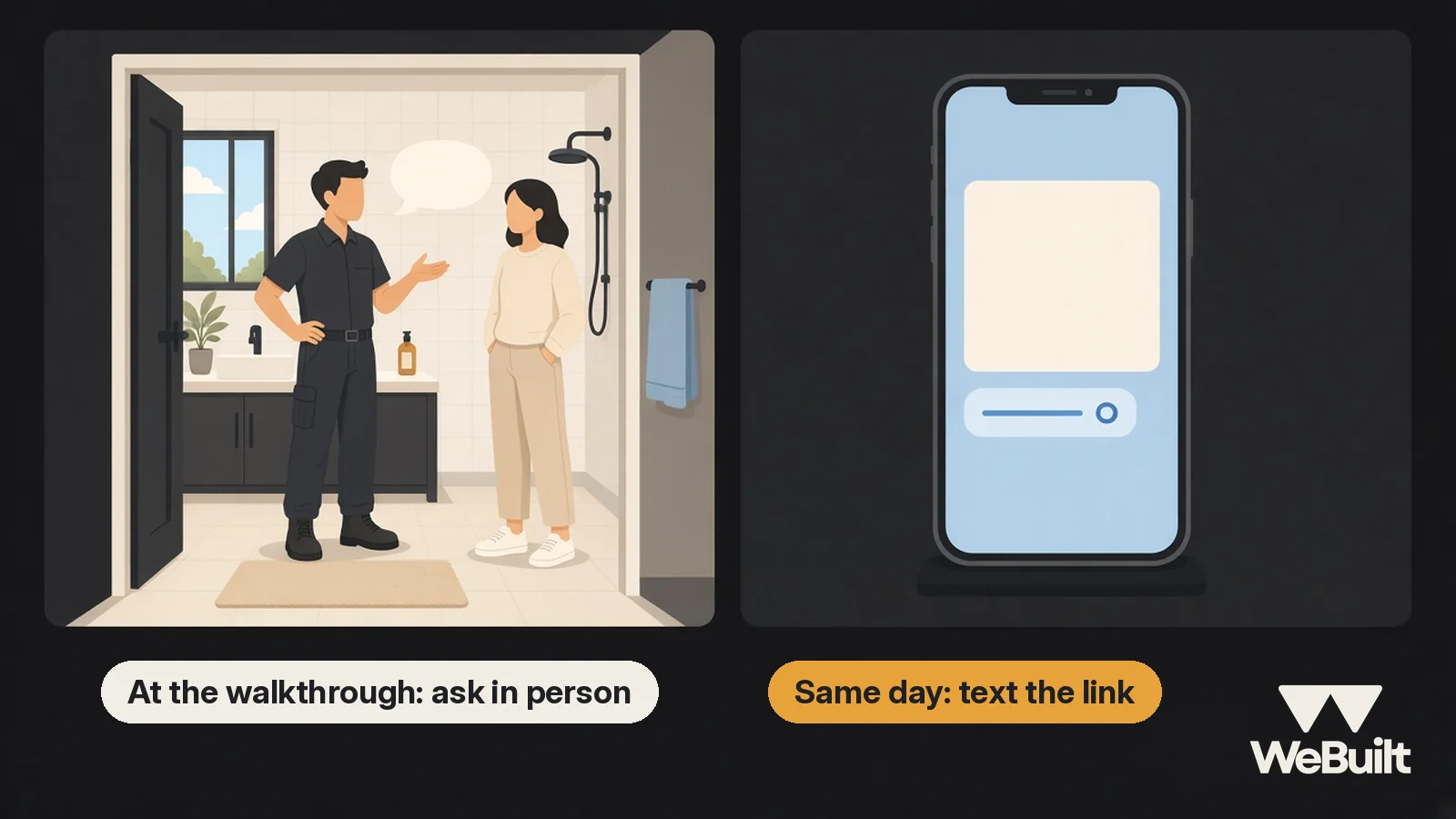
Keep it short and personal. Here are examples you can adapt.
In person, at the walkthrough:
"I'm glad you like how it came out. Reviews are how most people find us. Would you mind leaving us a quick Google review? I'll text you the link."
By text, the same day:
"Hi Karen, thanks again for having us do your bathroom. If you have a minute, here's the link for a Google review: [your link]. It really helps a small crew like ours. – Dave"
Use their name and the job. A message that says "your bathroom" gets read. A message that says "valued customer" gets deleted.
Get your Google review link or QR code
Google's own help page says customers can leave reviews by visiting a Google link or scanning a QR code [1]. Get yours from your Business Profile, save it in your phone's text shortcuts, and print the QR code on a card you can leave on the counter at the walkthrough.
If you haven't set up your profile yet, start with our Google Business Profile checklist. This post assumes it's done.
Ask everyone
Ask every customer, not just the ones you're sure will be happy. It's tempting to skip the job that had a rough week. Don't. Our advice is simple: if you only ask the people you expect to praise you, you're curating your reviews, and customers can tell when every review sounds the same.
Asking everyone also keeps your habit simple. Every finished job gets the same two lines and the same text.
The rules: no incentives, no buying, no threats
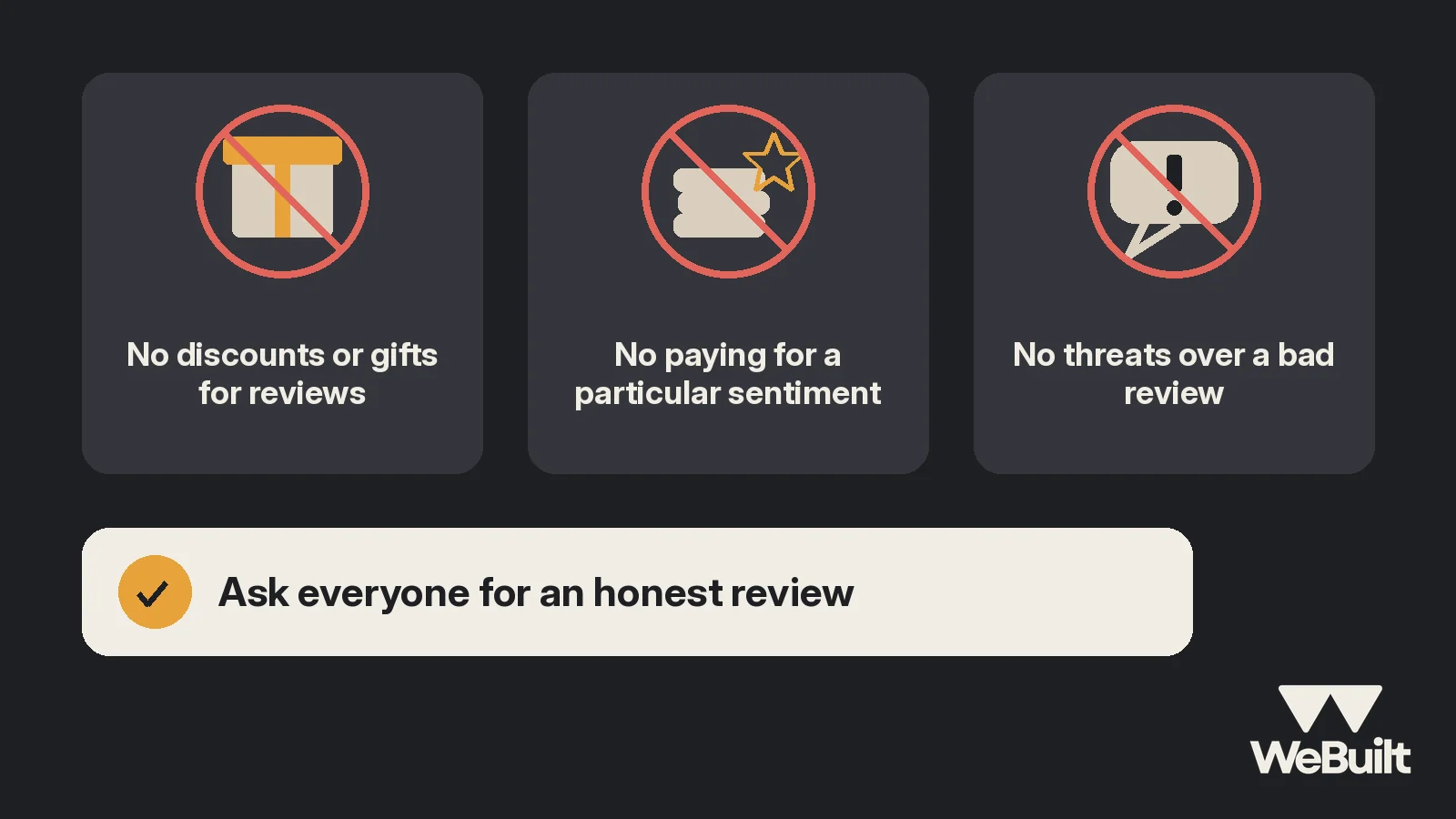
Two sets of rules matter here.
Google's. Google says reviews must reflect a genuine experience, and that "offering incentives, like free or discounted goods or services, in exchange for customers to post reviews, change reviews, or remove negative reviews" is considered fake and misleading content and is strictly prohibited [1]. That means no discount on the next job, no gift card, and no entry in a drawing for a review.
The FTC's. The FTC's rule on consumer reviews and testimonials (16 CFR Part 465) adds federal rules [2]:
- A business can't give compensation or other incentives in exchange for, or conditioned on, reviews that express a particular sentiment, positive or negative [2].
- A business can't write, create, or sell fake consumer reviews or testimonials [2].
- A business can't use an unfounded or groundless legal threat, a physical threat, intimidation, or a public false accusation in response to a review [2].
In plain terms: ask for honest reviews, don't pay for them in any form, don't write your own, and don't threaten anyone over a bad one.
Reply to every review
Reply to good reviews with a short thank-you that mentions the job. Google's guidance is that your reviewers are already customers, so avoid using your response to offer deals or promotions [1]. "Thanks, Karen. That tile was a fun one" is plenty.
Reply to bad reviews calmly, briefly, and factually, and take the details offline. Our complaint handling guide covers fixing what's fair before it turns into a review at all.
Track who you asked
The habit falls apart when you can't remember who you asked. Keep a simple record for each finished job: asked at walkthrough, link sent, reminder sent, review posted.
Example numbers for illustration, made up for this post and not a typical response rate:
| October (example) | Count |
|---|---|
| Jobs finished | 12 |
| Asked at walkthrough | 12 |
| Link texted the same day | 12 |
| One reminder sent a week later | 7 |
| Reviews posted | 6 |
Send one reminder, not five. If a customer doesn't leave a review after a friendly reminder, let it go.
How WeBuilt helps
A review habit needs a list of finished jobs and the customers behind them. In WeBuilt, customer records, estimates, and jobs live together, with notes and activity history on each record, so you can see which jobs wrapped up this week and write a quick note when you've asked for a review and sent the link. WeBuilt doesn't send review requests for you. It also shows revenue, cost, and margin for each job, so you know which kinds of jobs earn the best profit per job, which is the work you want those reviews to bring in.
FAQ
Can I offer a discount for a Google review?
No. Google prohibits offering incentives like free or discounted goods or services in exchange for reviews [1].
Is it legal to ask only happy customers for reviews?
We'd advise asking everyone. Federal rules ban paying for reviews with a particular sentiment and suppressing reviews with threats [2]. Asking everyone keeps you clear of both and keeps your reviews believable.
How do I send customers my Google review link?
Google says customers can leave a review through a Google link or by scanning a QR code [1]. Copy the link from your Business Profile and text it the same day as the walkthrough.
Want a quick look?
Book a 15-minute walkthrough with Ian and we'll show you how to keep finished jobs, customers, and notes in one place.
Sources
- Google Business Profile Help, Tips to get more reviews. Accessed November 4, 2026.
- Electronic Code of Federal Regulations, 16 CFR Part 465, Use of Consumer Reviews and Testimonials (current as of Oct 29, 2026). Accessed November 4, 2026.