Article
Job Costing vs. Estimating: What's the Difference?
Estimating sets the price before the job. Job costing shows what really happened. Here's how the two work together so each bid gets better than the last.
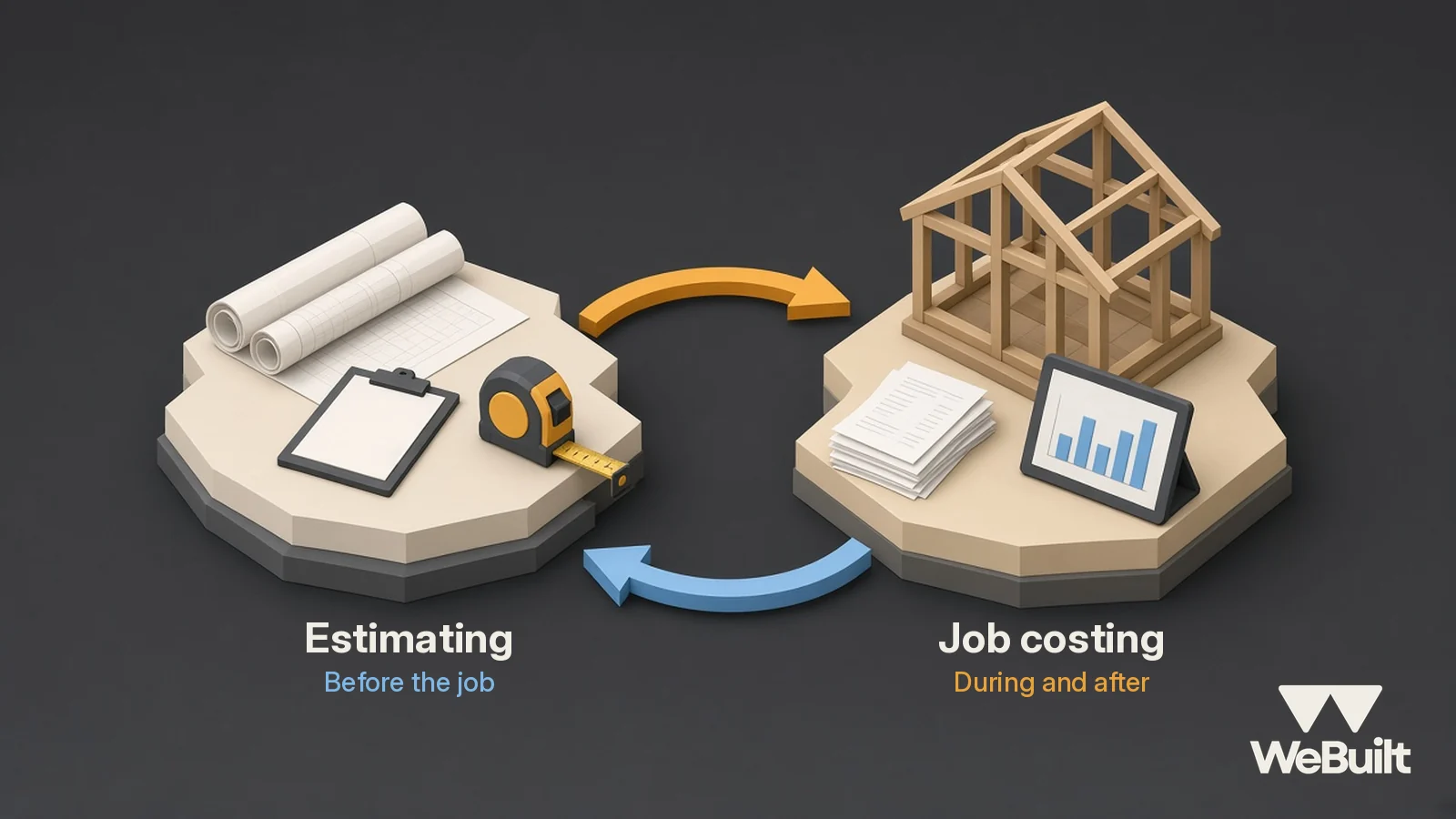
Contractors use "estimating" and "job costing" almost like the same word. They're related, but they do opposite jobs. One looks forward and one looks back, and a business that only does one of them is guessing.
Estimating: the price before the work
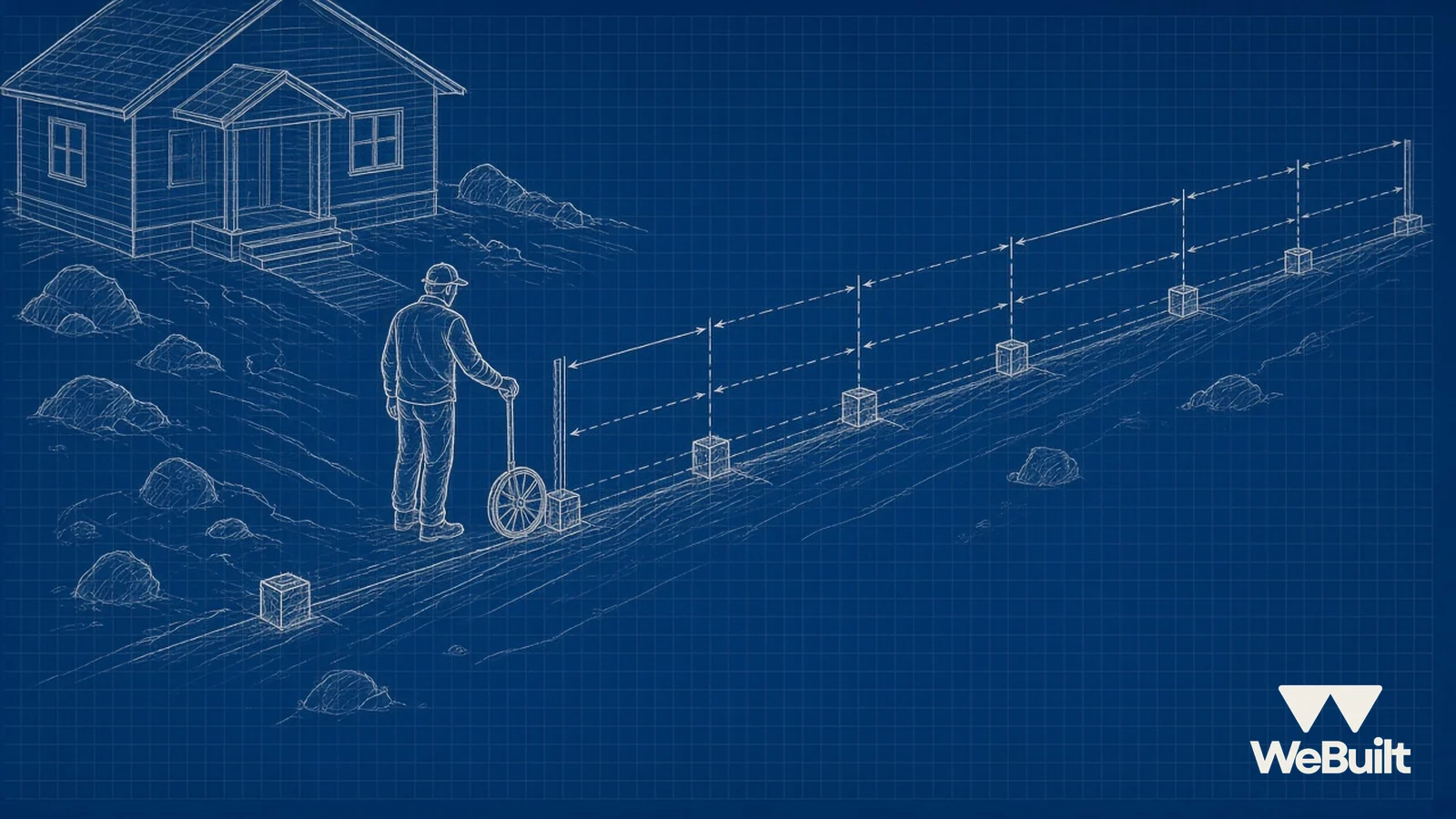
An estimate is your prediction of what a job will cost to build, plus your overhead and profit. It's done before you win the work, usually from a site visit and the plans.
Good estimates come from checklists, not memory. BuildingAdvisor recommends running the entire project through an estimating checklist so you catch missing items [4]. Documentorium's site-visit checklist covers scope, quantities, existing conditions, prep, access, other trades, cleanup, and unknowns [5]. It also warns: "Do not hide material uncertainty inside a confident fixed price" [5].
Job costing: the truth during and after
Job costing tracks what the job actually costs: every receipt, every crew hour, every sub invoice, tied to that job [6]. Jobber's guide describes it as tracking all costs for a job to see which jobs are most and least profitable, and notes it's often done after the job is finished [1]. Knowify and Scaftra push for doing it during the job too, comparing budget to actual as costs come in so you can act before it's too late [2][3].
Side by side
| Estimating | Job costing | |
|---|---|---|
| When | Before the job | During and after |
| Answers | "What should we charge?" | "What did it really cost?" |
| Built from | Plans, site visit, past jobs, supplier prices | Receipts, timecards, sub invoices |
| Main risk | Missing items, wrong labor hours | Costs not tied to the job, or entered late |
| Who usually does it | Owner or estimator | Owner, office, and crew together |
How they feed each other
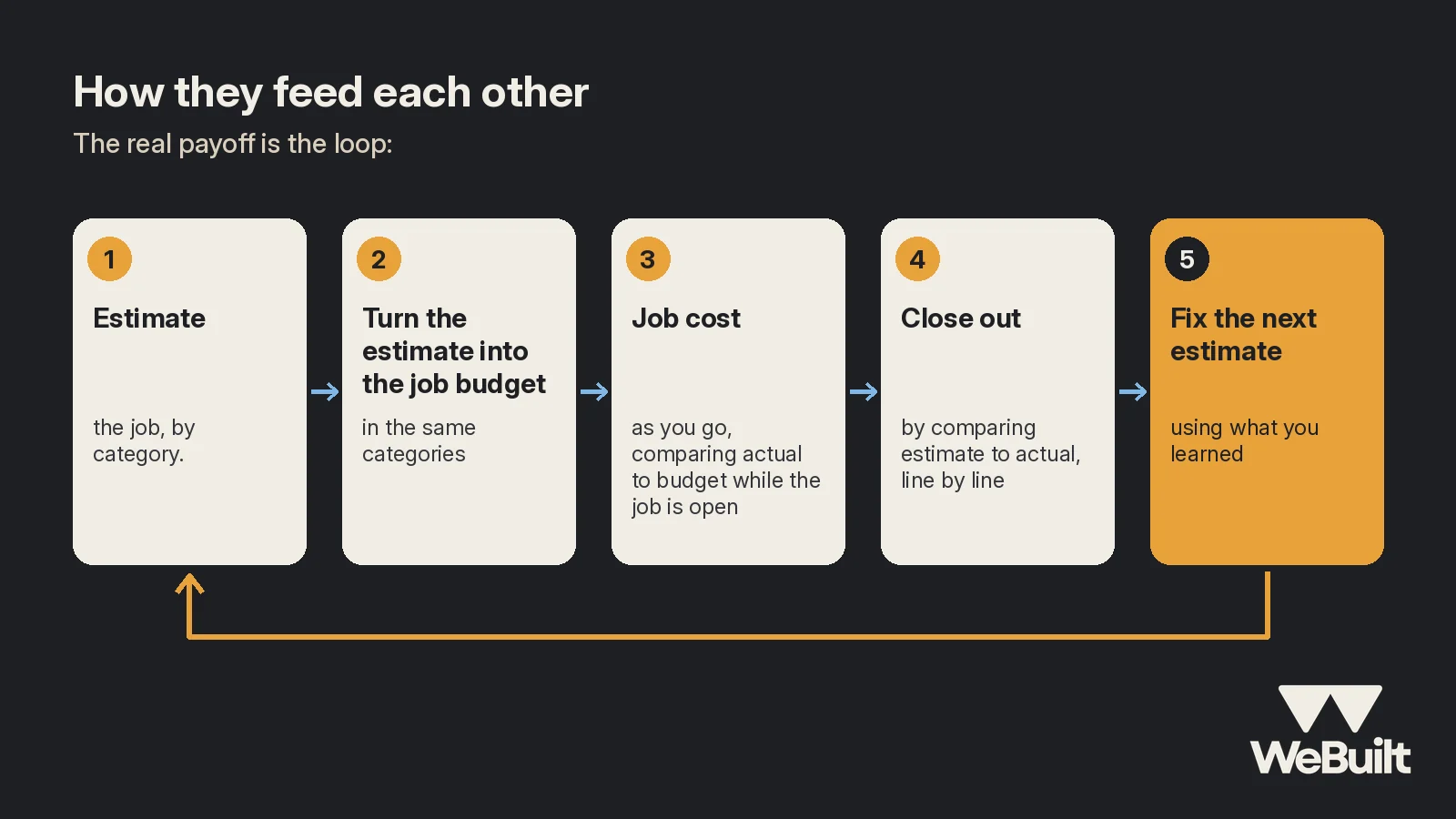
The real payoff is the loop:
- Estimate the job, by category.
- Turn the estimate into the job budget, in the same categories [3].
- Job cost as you go, comparing actual to budget while the job is open [2][3].
- Close out by comparing estimate to actual, line by line [3].
- Fix the next estimate using what you learned [2].
Knowify points out that consistent job costing builds a history you can use when budgeting future jobs [2]. Without step 5, the same mistake gets copied into every bid.
Example: a fence crew learns from three jobs
Example numbers for illustration:
A fence contractor estimates labor for cedar privacy fence at 0.30 crew-hours per linear foot. After job costing three recent jobs:
| Job | Feet | Estimated hours | Actual hours | Over/under |
|---|---|---|---|---|
| A | 180 | 54 | 63 | +17% |
| B | 240 | 72 | 81 | +13% |
| C | 150 | 45 | 54 | +20% |
Every job ran over, and the common thread was rocky soil on post holes. The fix isn't working faster. It's updating the estimate: about 0.35 hours per foot on rocky sites, and a site-visit question about soil.
Without job costing, this crew would keep bidding 0.30 and wonder why fence jobs feel thin.
A small-job estimating checklist
Whether it's a fence, a bathroom, or a roof repair, walk through these before you price [4][5]:
- Requested work: what the customer wants, which areas are included, and any options
- Quantities: counts, lengths, and areas, and where each measurement came from
- Existing conditions: what's there now, damage, and past repairs
- Prep: demo, protection, shutoffs, and setup
- Access: gates, stairs, parking, heights, and working hours
- Other trades and utilities: anything your work touches
- Restoration and cleanup: patching, debris, and dump runs
- Unknowns: anything you couldn't see, and how you'll price it (allowance, exclusion, or a change order)
Documentorium gives a good example of why this matters: an estimator measures a 60-foot fence run correctly but misses the narrow gate, the grade change, and old footings. "The quantity is right; the labor and access assumptions are wrong" [5]. Job costing is how you find out which of those surprises keep showing up.
Signs your estimating and job costing aren't talking
- Your estimate categories don't match how you track costs.
- You can't say whether labor or materials ran over on your last five jobs.
- Your bids look the same as two years ago even though costs changed.
- You find out a job lost money when the bank balance tells you.
Three habits that keep the two connected
Scaftra's job costing guide lays out a few habits that make the comparison possible [3]:
- Set up the job budget in the same categories as the estimate. If the estimate says framing labor, the job tracks framing labor. Otherwise you're comparing apples to oranges.
- Record costs to the job as they're incurred, including labor. If hours and bills only land on the job at month-end, you're looking at old news.
- Count what you've promised, not just what you've paid. A signed sub agreement or a purchase order is already a cost to the job, even before the bill shows up.
None of this needs fancy software. It needs the same few habits on every job.
Where WeBuilt fits
WeBuilt is built for the job costing side: log costs and hours against each job and see profit per job as it happens. That gives you the actual numbers to sharpen your next estimate. See the platform.
FAQ
Is job costing just for after the job?
No. It's most useful during the job, comparing budget to actual weekly so you can still fix problems [2][3].
Do my estimate and job costs need the same categories?
It helps a lot. When the budget mirrors the estimate, you can compare them line by line [3].
What should I estimate from: memory or a checklist?
A checklist. It's the best way to avoid leaving things out [4][5].
How WeBuilt helps
Estimating and job costing only make each other better when the numbers end up side by side. WeBuilt tracks each job's actual costs against the estimate, by category, while the job is open and after it closes. So when your fence crew keeps running 15% over on labor, you see it on the job itself, not as a vague feeling that fence work is thin. Over a few jobs, that history shows you which line items you keep underbidding and which job types actually make money. WeBuilt won't write your estimates for you, but it gives your next estimate real numbers from the jobs you've already done.
Want to see it on your own jobs? Book a 15-minute walkthrough with Ian.
Close the loop on your bids
Book a 15-minute walkthrough with Ian. Founding 25 spots are open for Utah contractors.
Sources
- Jobber Academy, What is Job Costing?: A Guide for Home Service Pros. Accessed November 2, 2026.
- Knowify, Mastering construction job costing: A contractor's guide. Accessed November 2, 2026.
- Scaftra, The Complete Guide to Construction Job Costing for Trade Contractors. Accessed November 2, 2026.
- BuildingAdvisor, Detailed Estimating Instructions. Accessed November 2, 2026.
- Documentorium, Site-Visit Estimate Checklist for Contractors. Accessed November 2, 2026.
- Estimate.Pro, The Contractor's Guide to Job Costing (Without an Accountant). Accessed November 2, 2026.